Virtual machines
Mirage.
Run and manage Windows virtual machines on an Apple Silicon Mac.
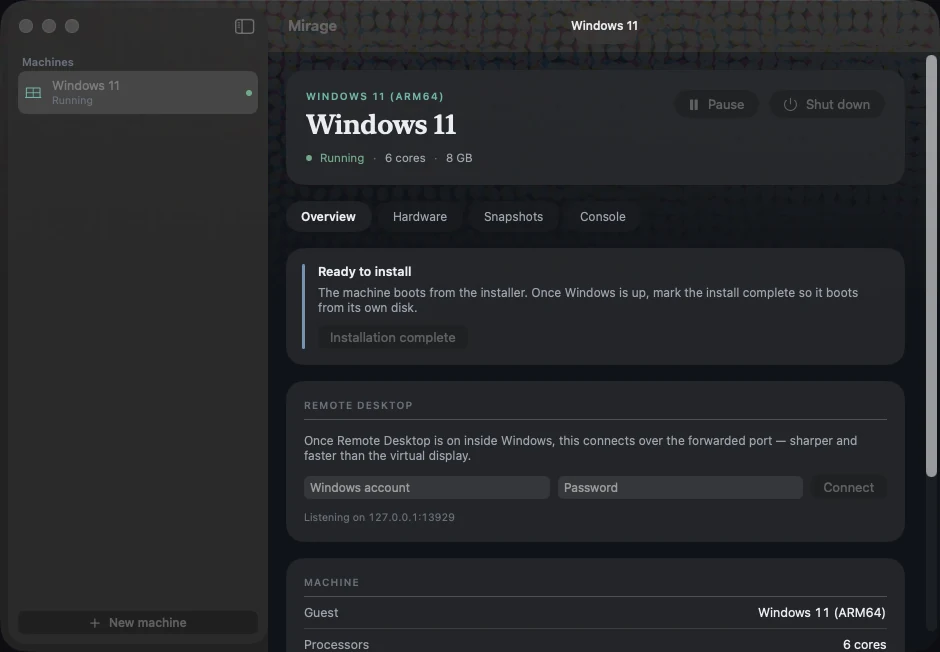
Mirage running a machine
Why it was built
Testing Windows applications from an Apple Silicon Mac should be possible without keeping a separate Windows machine. Mirage was built to make that workflow practical: create a guest, install Windows from official media, and keep its disk, settings and snapshots together for repeatable testing.
What it does
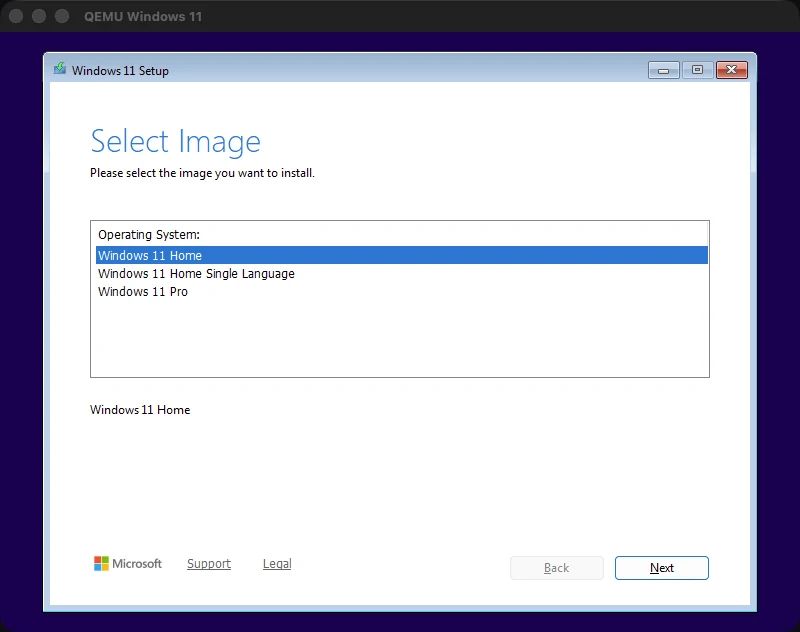
Create a virtual machine, select an official Windows 11 ARM64 installation image and start it from the app. Each machine keeps its configuration, disk, snapshots and firmware state together in one folder, which you can copy to back it up.
Once Windows is up, the fast path is Remote Desktop over a forwarded local port rather than the virtual display — sharper text, smoother pointer — and Mirage turns RDP on during install so it is ready the moment Setup finishes.
How it's built
- Not Apple's framework
- Apple's Virtualization.framework has no TPM anywhere in its headers and offers Windows no display device it has a driver for. It is documented for macOS and Linux guests. So: QEMU, accelerated by Hypervisor.framework — the same underlying hypervisor, so the CPU runs just as fast, plus UEFI firmware and devices a Windows guest can actually drive.
- The TPM trade, stated plainly
- QEMU's TPM device maps its registers as MMIO, and that region cannot be registered with Hypervisor.framework. A TPM or hardware acceleration — not both. Acceleration wins, Express Install applies Microsoft's documented setup bypass, and the cost is written down: no BitLocker, and nothing that needs a real TPM measurement.
- Devices the guest already knows
- NVMe boot disk, USB installer media over xHCI, a UEFI framebuffer the Basic Display Driver picks up, and an Intel-compatible NIC — every one an inbox driver on Windows for ARM. Argument order is load-bearing: the USB controller is emitted before anything that plugs into it, and a self-test locks that in.
- Express Install
- An answer file wrapped in a small ISO. Windows Setup scans every attached volume's root for it before its first screen, so the install runs hands-off: checks bypassed, a local account created, Remote Desktop enabled and the firewall opened before first login.
- The key it presses for you
- Windows install media asks you to press a key to boot from the disc and falls through to a UEFI shell if nothing does — which looks exactly like a broken boot. Mirage taps a key for the first fourteen seconds. Deliberately short: keep tapping past that and the keystrokes land in Setup's first text field.
- The look
- The macOS interface uses translucent panels and the studio’s process-ink dot pattern. Machine status uses separate colors, checked by a build test.
Availability
Version 0.1 is in use for Windows 11 ARM64 testing. The current build supports an unattended installation, hardware-accelerated execution, snapshots, USB passthrough and a console.
There is no public download. The current build requires QEMU from Homebrew and a Windows installation image supplied by the user. A notarized release is still needed.