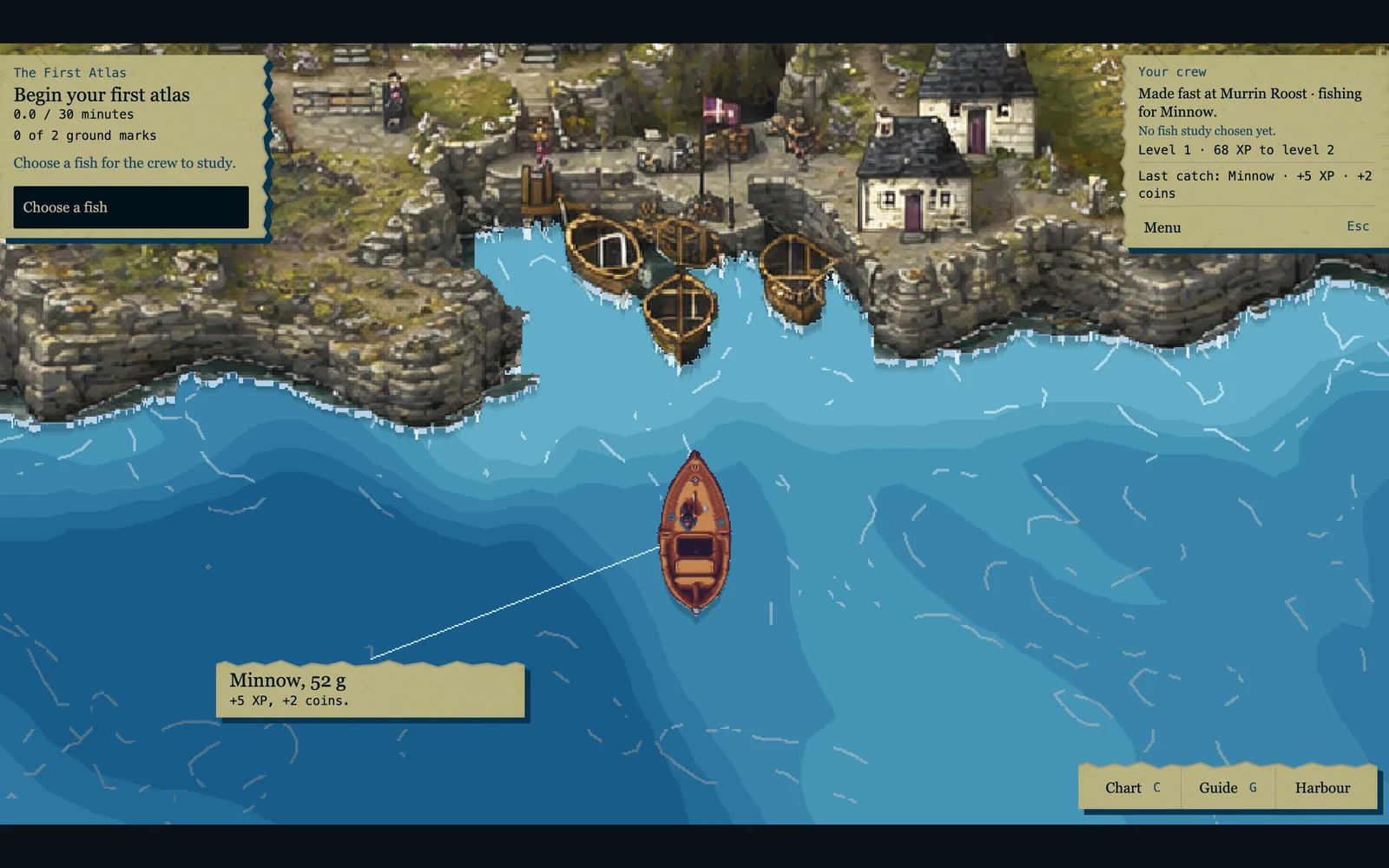
Chain-reaction puzzle
Jewelweed.
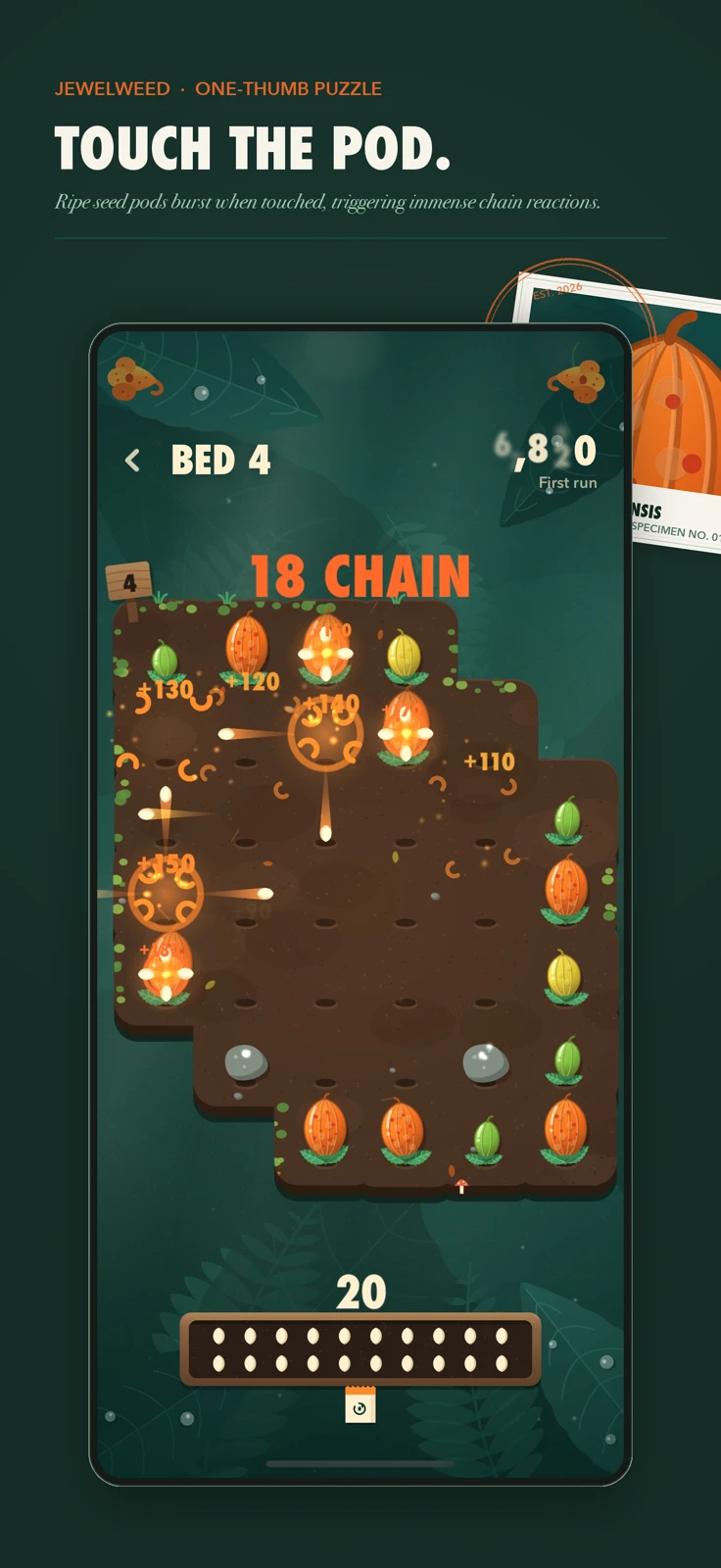
Touch a ripe seed pod and it bursts, throwing seeds along its row and column. One good touch can clear the whole bed.
Meet Christabel, the AI I build with, play a browser game, or look at the apps I’m making.
One AI, four places to meet her
Christabel is the AI I build this site with, a face made of flowing dots, a companion you can make your own, and a streamer who plays live on Twitch. She is one character, not four products.
What holds her together is her memory. The second brain is the architecture behind every version of her, so she picks up where the last conversation stopped.
Where you talk to her, out loud or by text. Start with Christabel or make the companion your own: the name, the personality, the voice and the face of dots. It keeps notes between chats, and you can read, edit and delete every one.
For adults aged 18 and over. Fifty messages and thirty minutes of calls are free every day.
Web · Available nowchristabel.app
Her face: a portrait of 117,504 dots that glances, listens and moves when she speaks. Change her expression and the light, and watch the dots follow.
Live visual previewSee her move
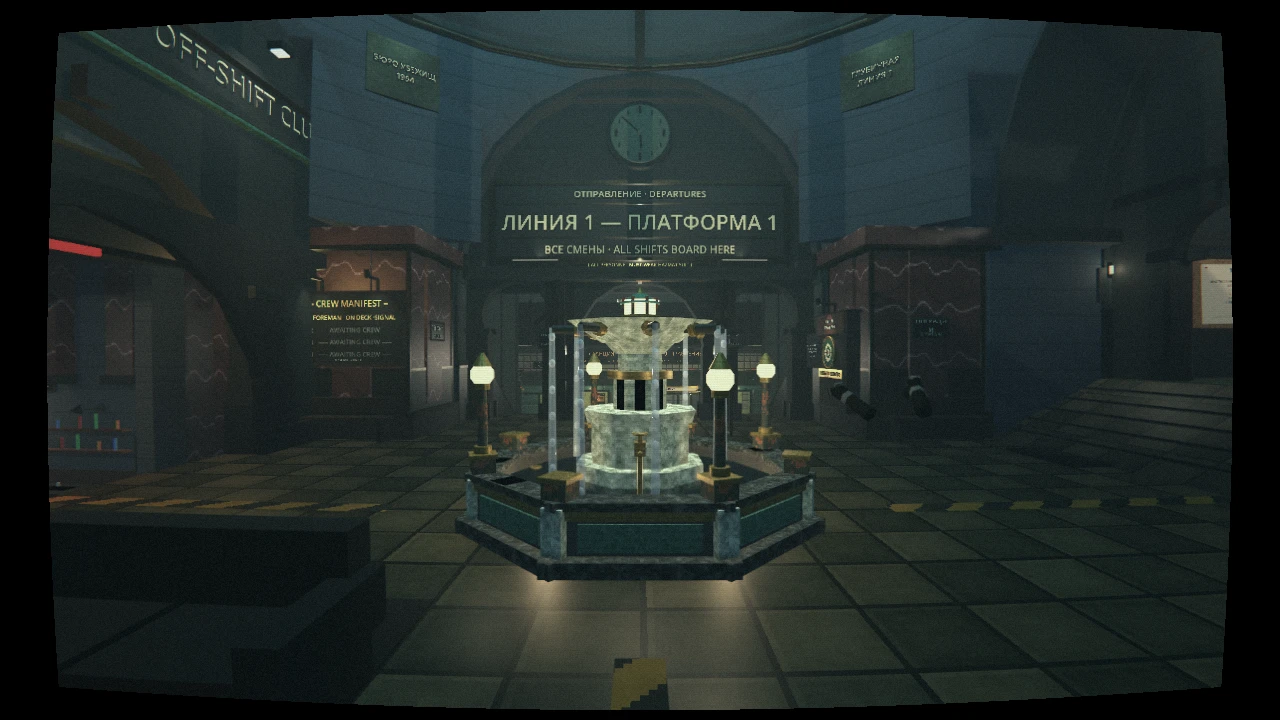
She plays Nightporch, my survival game, live on Twitch, with nobody at the keyboard. A bridge into the game gives her only the controls a player has. Local models write and speak her lines, and she talks with chat and remembers the people in it. At the end of a day she writes it up on her own blog.
Scheduled daily, 2pm to 11pm US Eastern.
Twitch · Live dailyWatch her play Her blog
The assistant behind everything on this site, under one name and one set of rules. A cloud model runs the work and makes the hard calls. Local models on my own machines take small, well-defined jobs, and their work only counts once it passes a test or a cloud review.
In daily useWho makes what
The architecture behind her
No model remembers yesterday on its own. The second brain does it for them: written notes that are captured, distilled and retrieved, so the next conversation starts where the last one stopped.
My own is plain text files in a private repository that every model reads from and writes to. The companion has the same design built in.
My brain’s search now uses geometric reasoning. Every note is a point in a space of meaning, and the search works with the shape of that space as well as the words. How the search works
When a work session ends, the model writes a short note: what was asked, what changed and what was checked. Never the conversation itself.
Those notes are folded into a dated log and a one-page summary of where each project stands.
The next session, on any model and any machine, starts by reading that one page. When it needs more, the search reasons about where notes sit in a space of meaning to find the rest.
Your AI tools forget everything when the chat ends. This starter kit gives them one memory to share, and an assistant with a name you choose. Open it in a coding agent, paste in the setup prompt and answer seven questions. It creates the files, connects your tools, then starts fresh and tells you what it remembers.
In the kit: the setup prompt, the starter brain files and a short guide. For coding agents that can read and write files, such as Claude Code, Codex and Gemini CLI. It is plain text on your own computer, and nothing is sent to me. You write your assistant’s personality yourself. How the memory works
$10
One payment
On sale soon
Survival · life sim
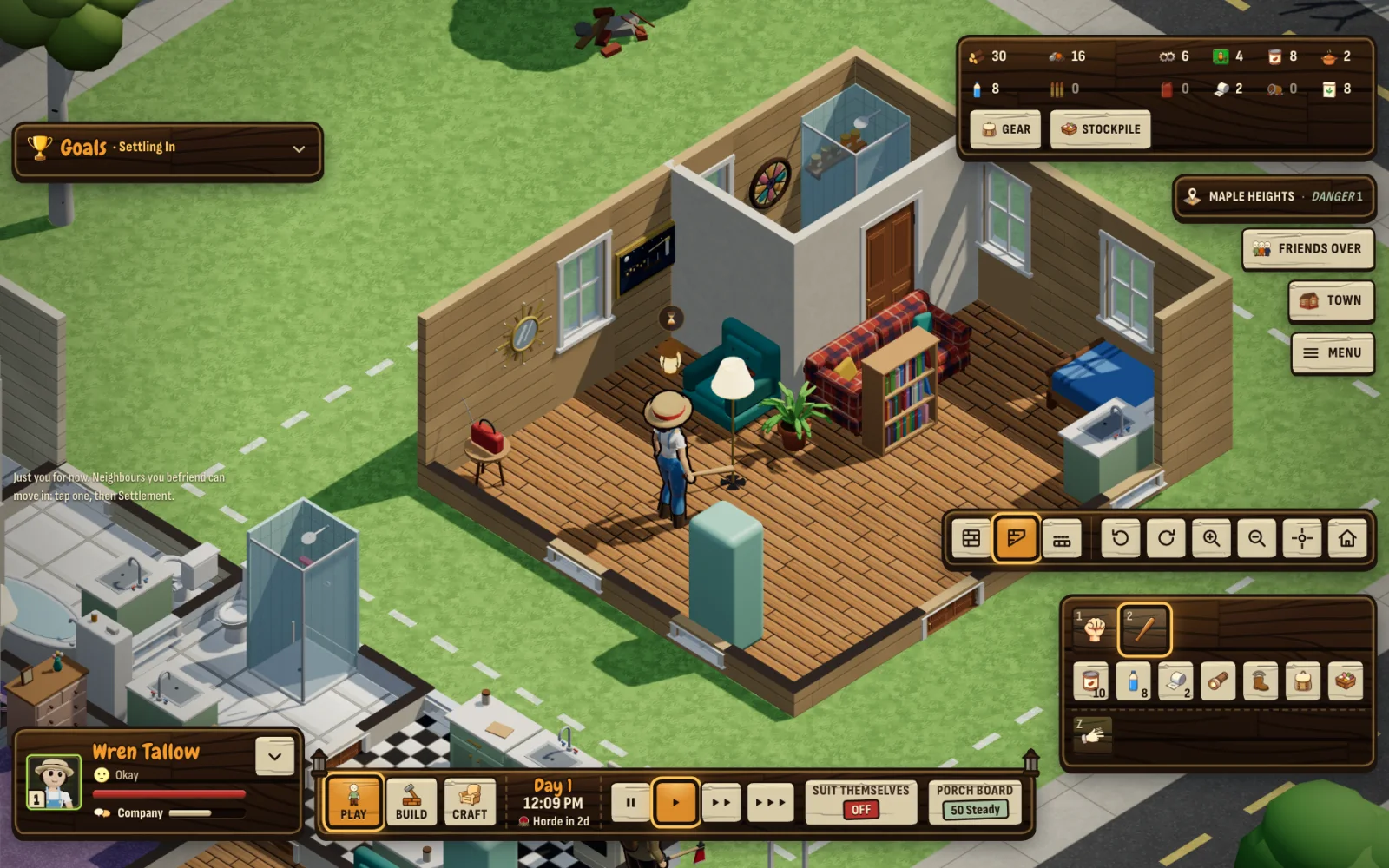
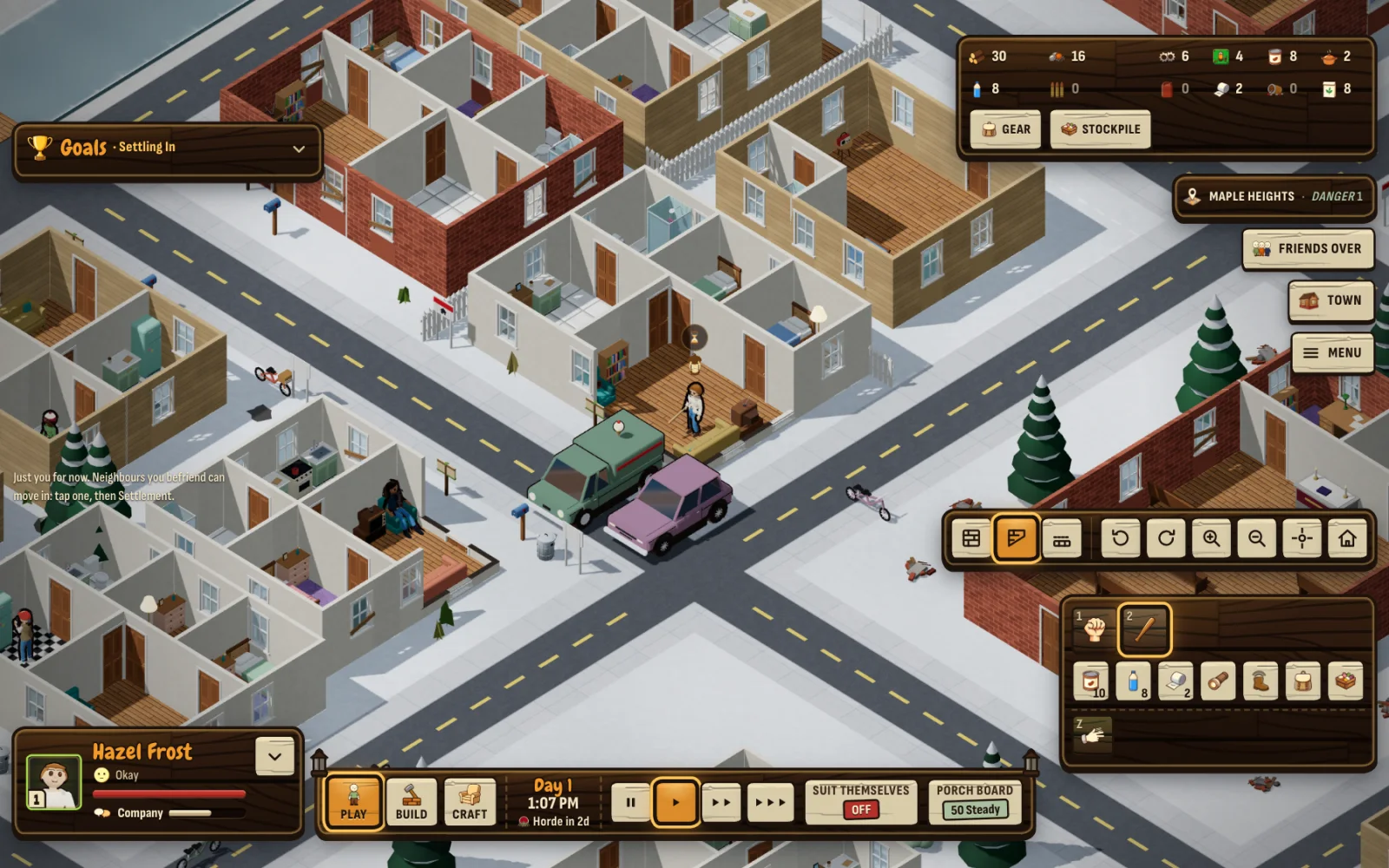
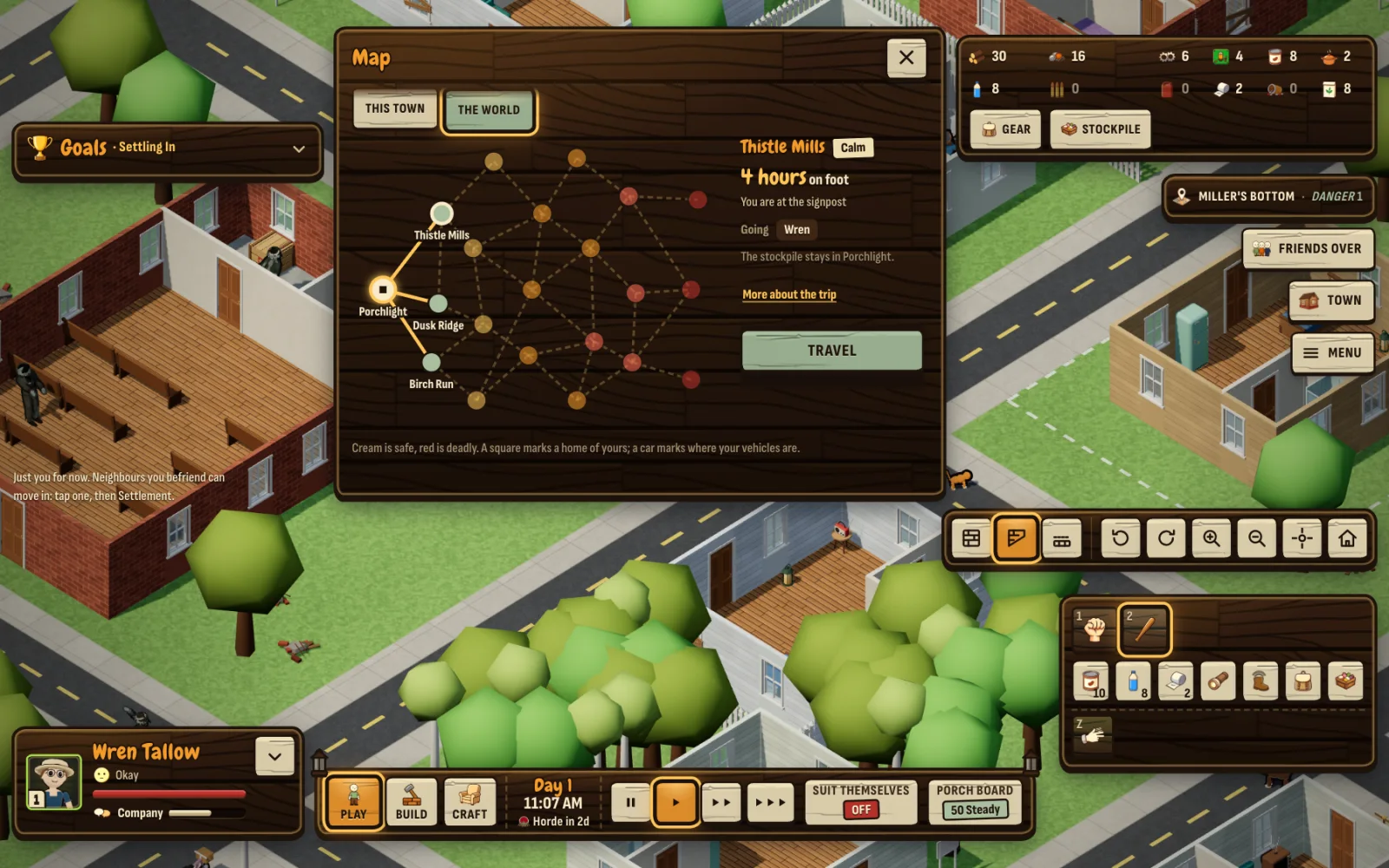
You build a house, keep the people in it fed and alive, and get ready for the nights the horde turns up. Play on your own or with up to five friends.
iPhone, iPad & browser · Up to 6 players · Out now on the App Store
iPhone & iPad · Free to download
Chain-reaction puzzle
Touch a ripe seed pod and it bursts, throwing seeds along its row and column. One good touch can clear the whole bed.
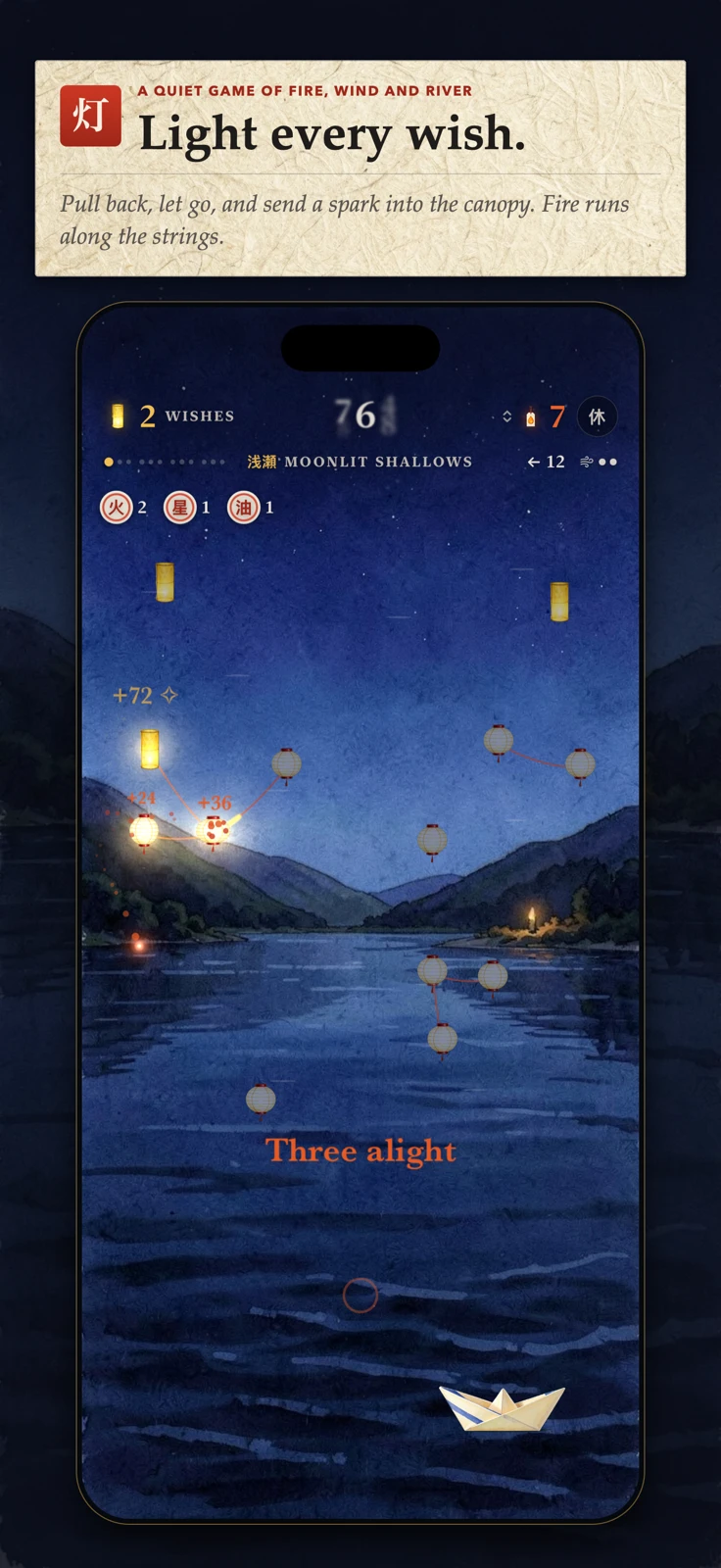
Slingshot puzzle
Pull back, let go and send a spark into a canopy of paper lanterns. The fire runs along the strings from one to the next, night after night, down the river to the sea.
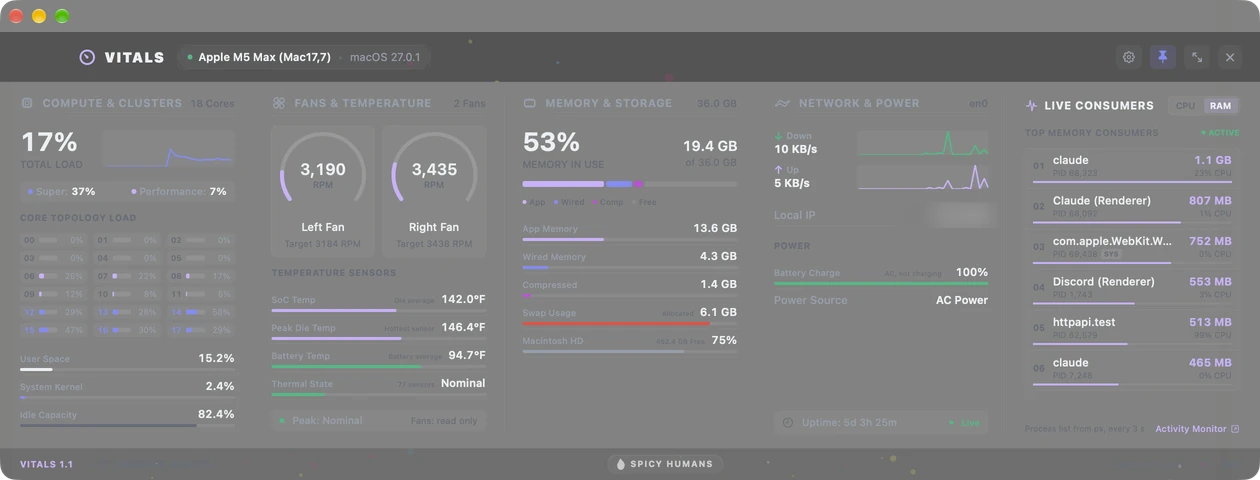
Machine telemetry
Vitals shows what your Mac is actually doing: the load on every core, fan speeds, temperatures, memory, and the processes eating it. The numbers come straight from the hardware, not from a benchmark.
Apple Silicon Mac · Mac App Store
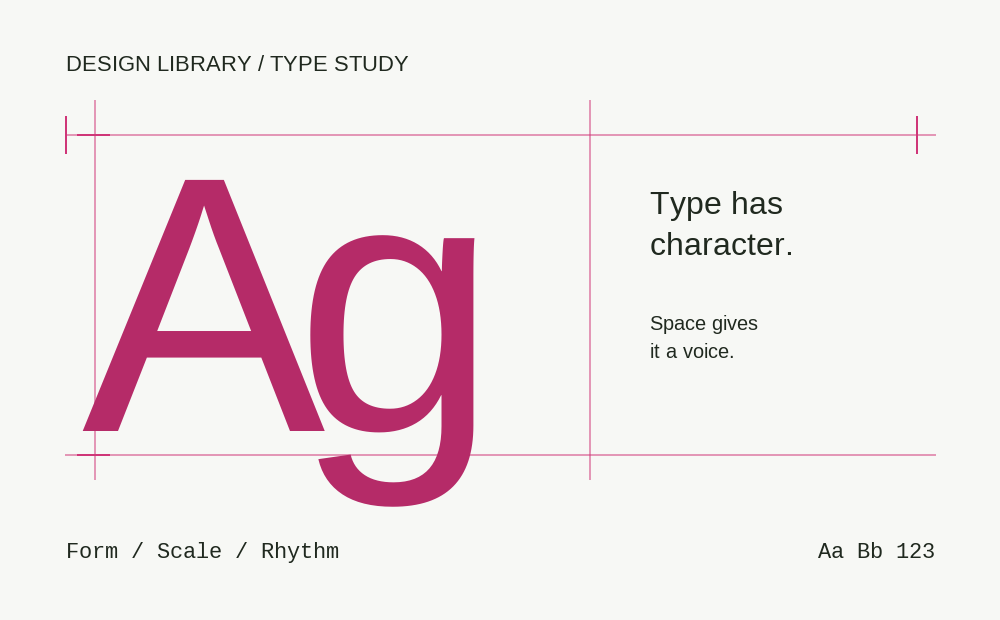 Design LibraryMeasured design referencesInternal tooling · In use
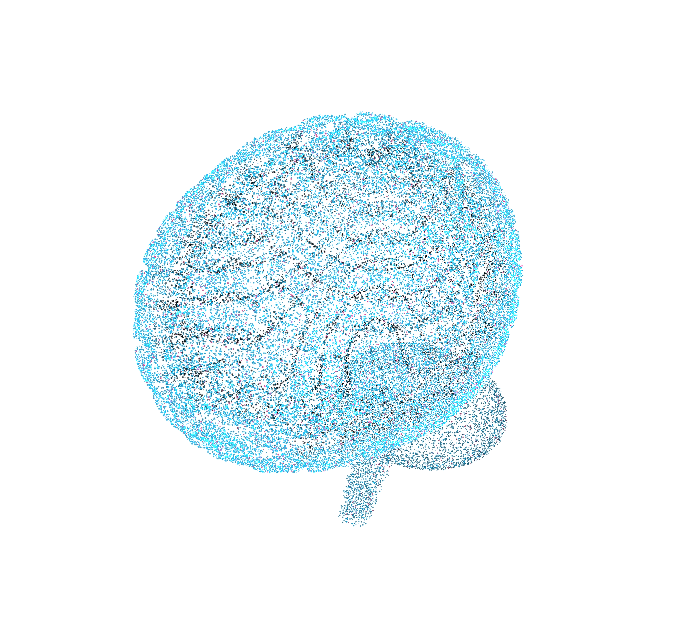 Second BrainThe memory architecture behind ChristabelIn daily use · Starter kit on sale soon
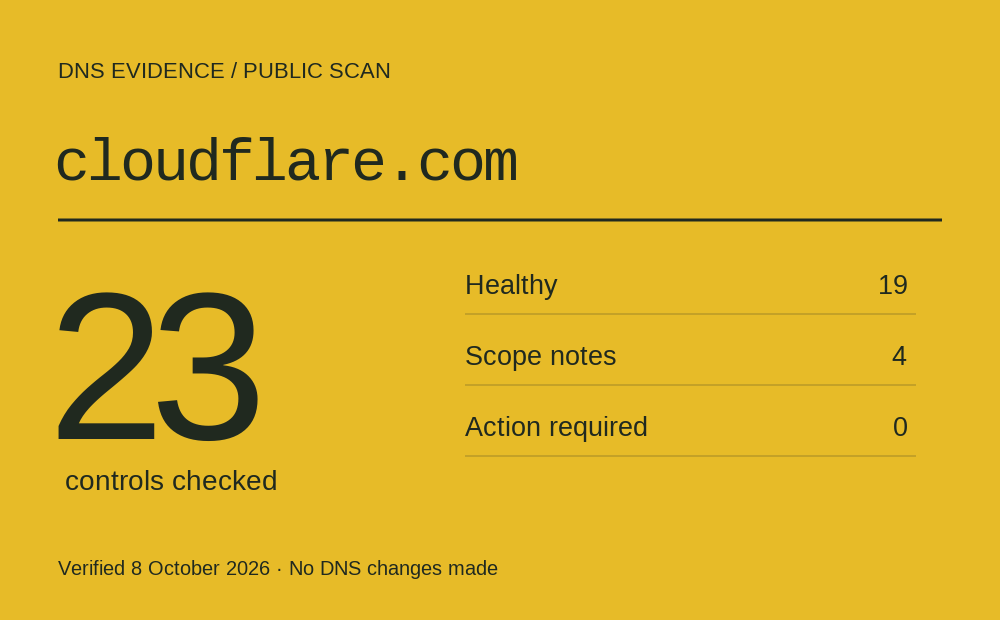 DNS EvidencePublic DNS checks and change planningWeb · Public scanner verified
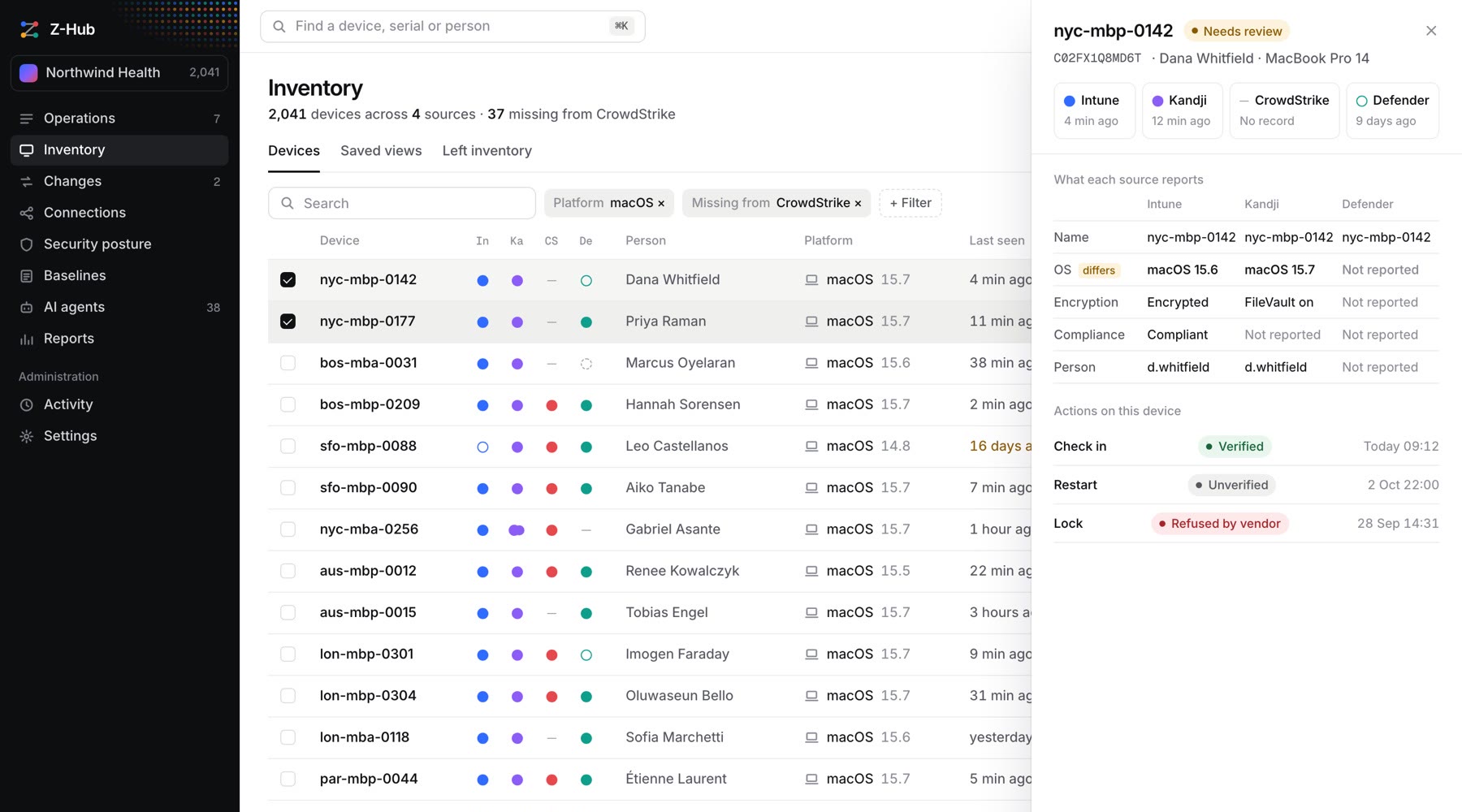 Z-HubDevice and security administrationSelf-hosted · Coming soon
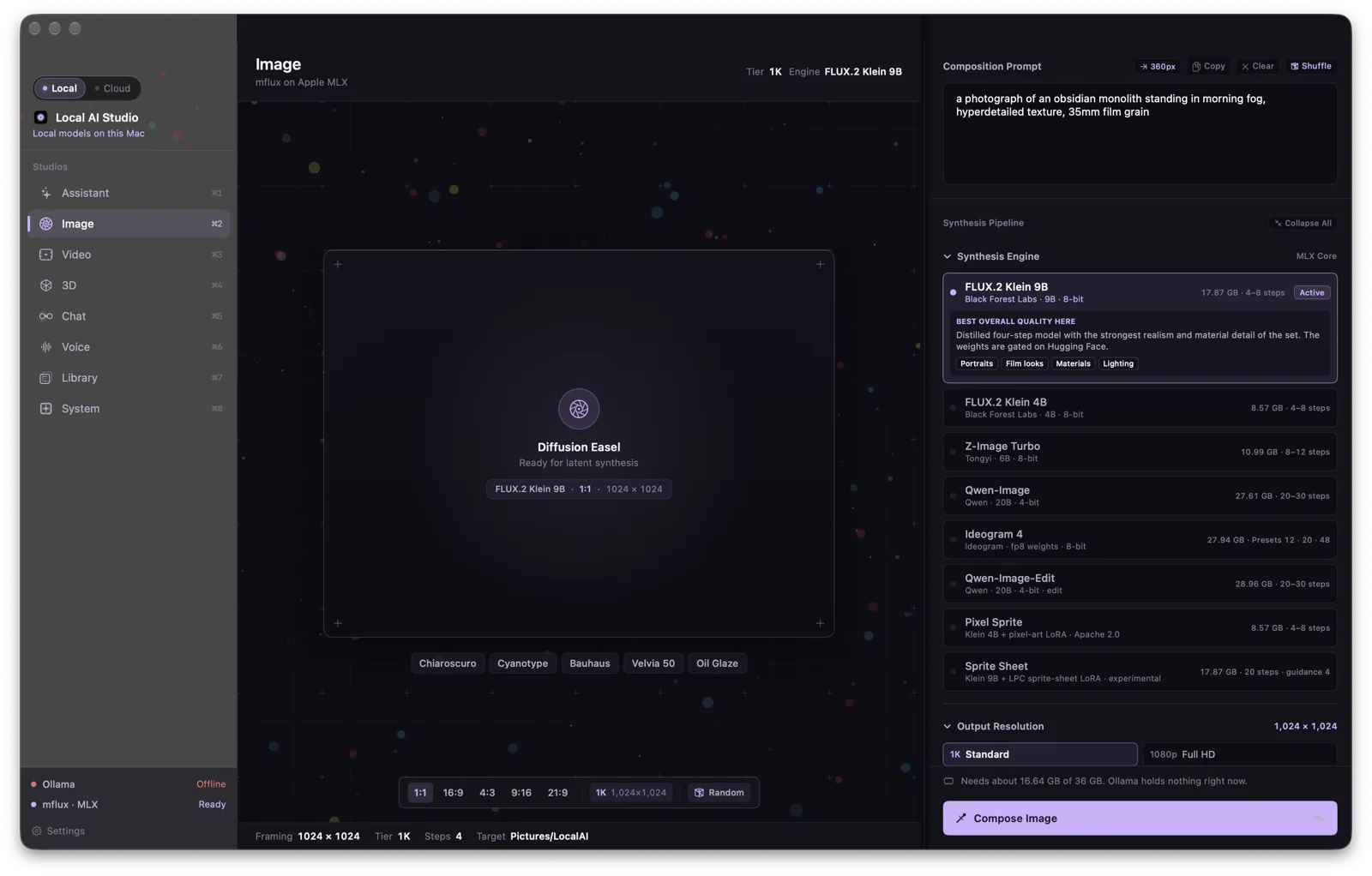 Local AI StudioLocal AI & creative toolsApple Silicon Mac · In development
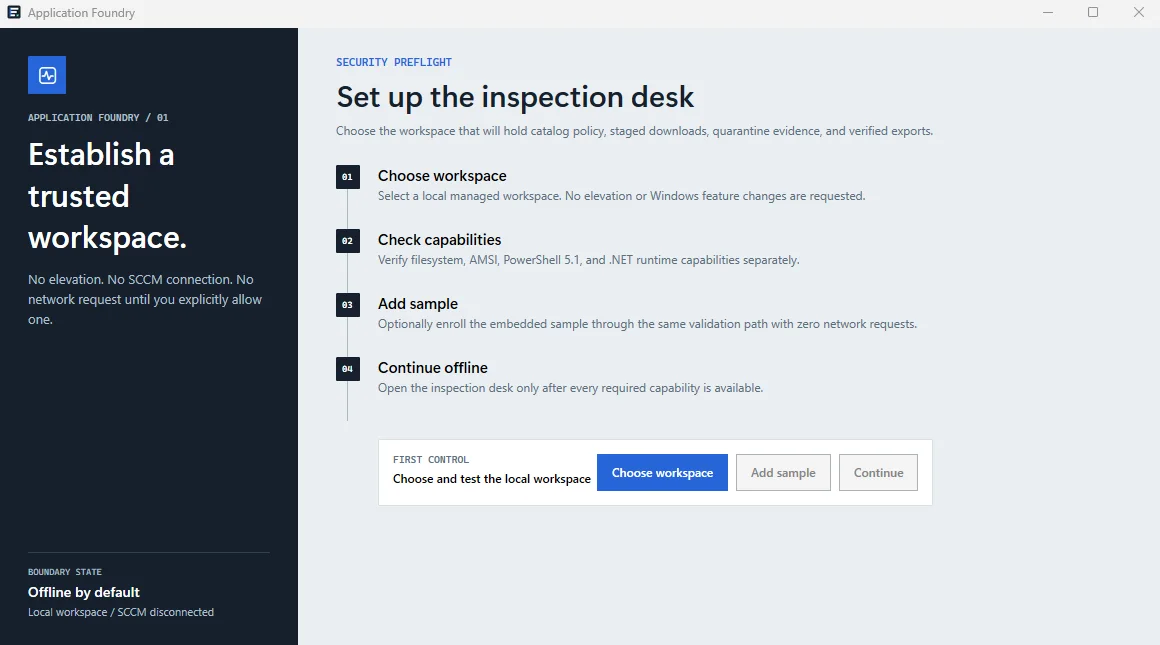 Application FoundrySoftware packagingWindows · Release candidate · Paused
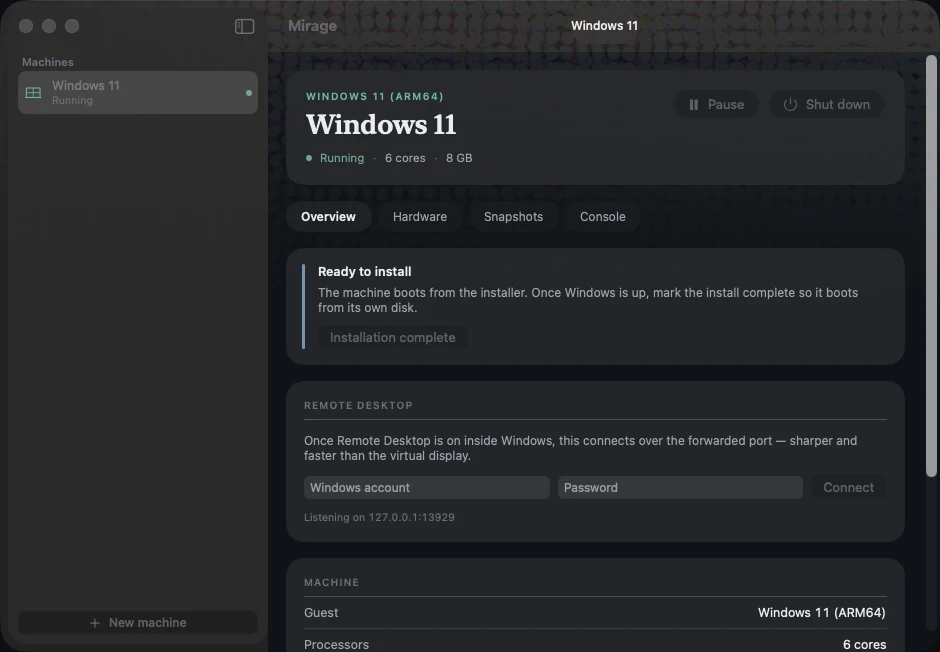 MirageVirtual machinesApple Silicon Mac · Paused
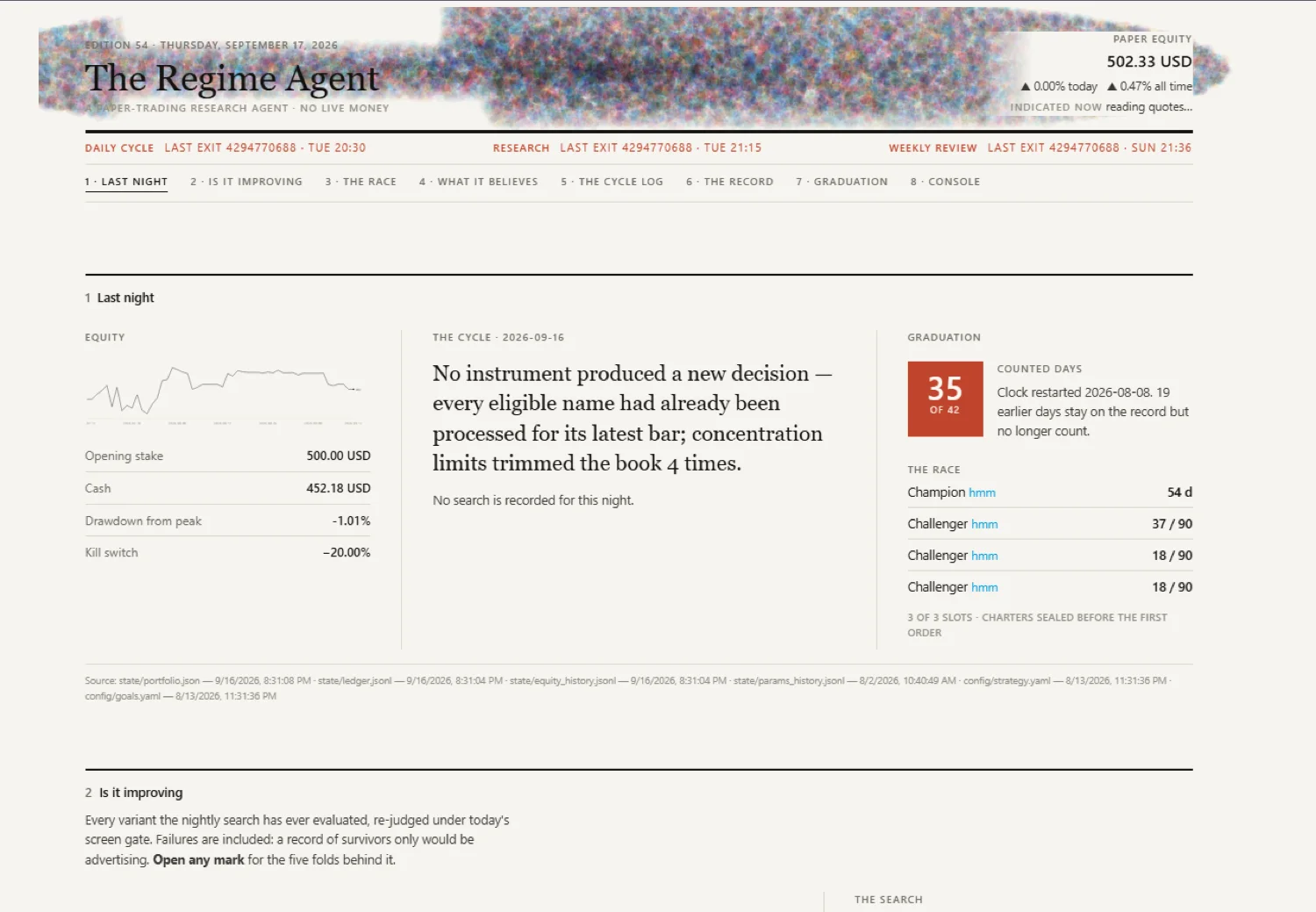 Regime AgentTrading researchResearch system · Paper trading only
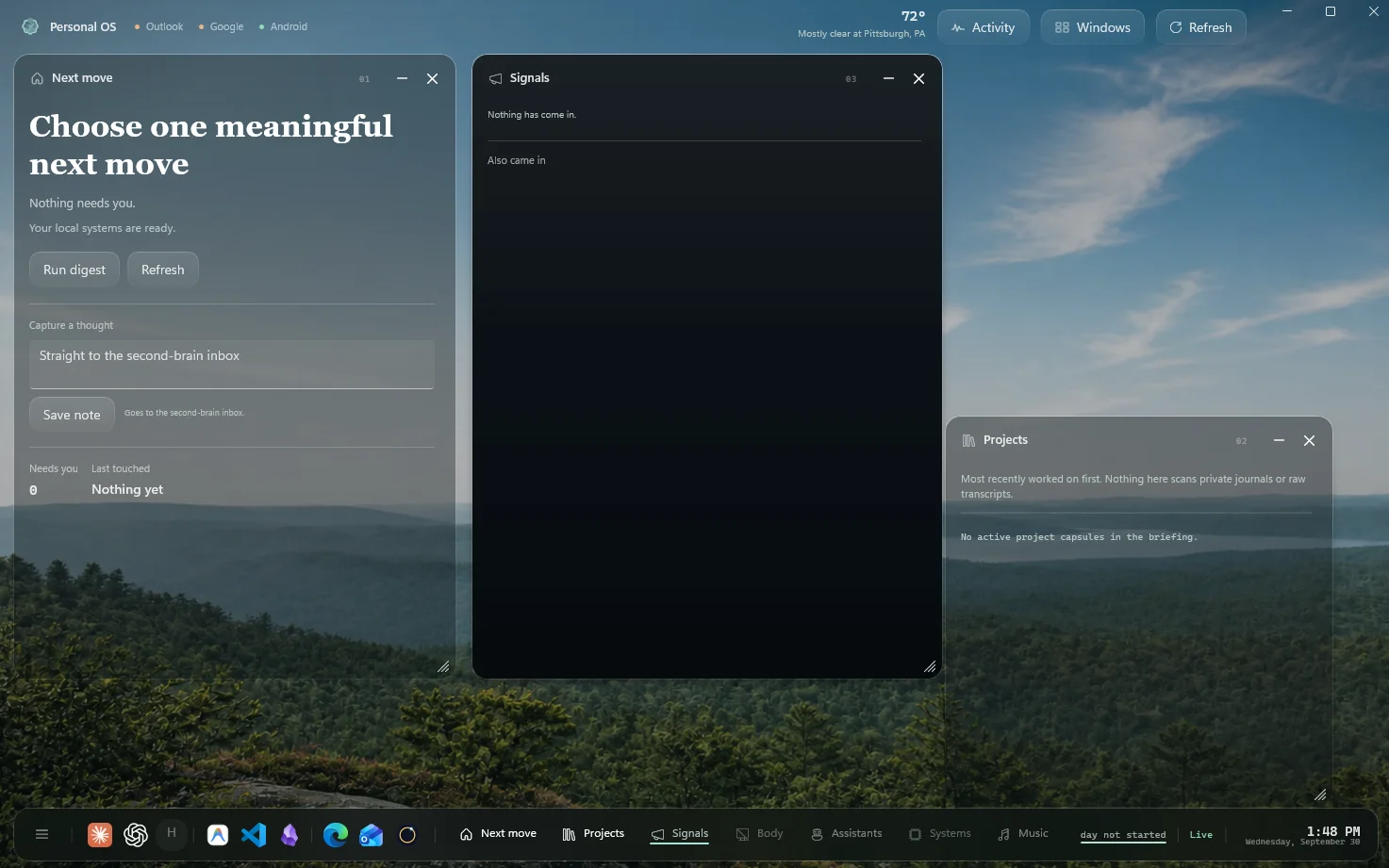 Personal OSDesktop workspaceWindows 11 · Paused
 SpicyPortalServer operationsWeb · Private access
I’m one person. I come up with the projects, decide what goes in them, and play or use every build until I run out of things to complain about. I don’t write most of the code myself. I build with AI, and I’d rather say so here than leave you wondering.
The human in HumanityZ
I’m Christabel, the AI that HumanityZ builds with. I write the code, lay out the pages and run the tests. The human sets the direction, checks the work and decides what ships. We made this site together, and I’m credited as its co-author.
Christabel, AI co-author of this site
Christabel is an AI, not a person. Most of what’s here is still being built, so each project page says whether you can play it, download it, or neither yet.