Server operations
SpicyPortal.
An account-protected control panel for managing a Dragonwilds game server.
Why it was built
Running a dedicated game server requires a clear view of whether the process is online, a way to perform routine maintenance, and a place to read operational feedback. SpicyPortal brings those tasks into one account-protected page instead of making the operator use separate command-line steps for every check.
Inside the private dashboard
A current operator capture shows controls to start, stop, restart and update the server, take a world backup, and refresh the view. It also shows process and host status, a console and log stream, network and lag diagnostics, and tabs for backups and server information. These are operator tools; there is no public demo or open dashboard.

Access and status
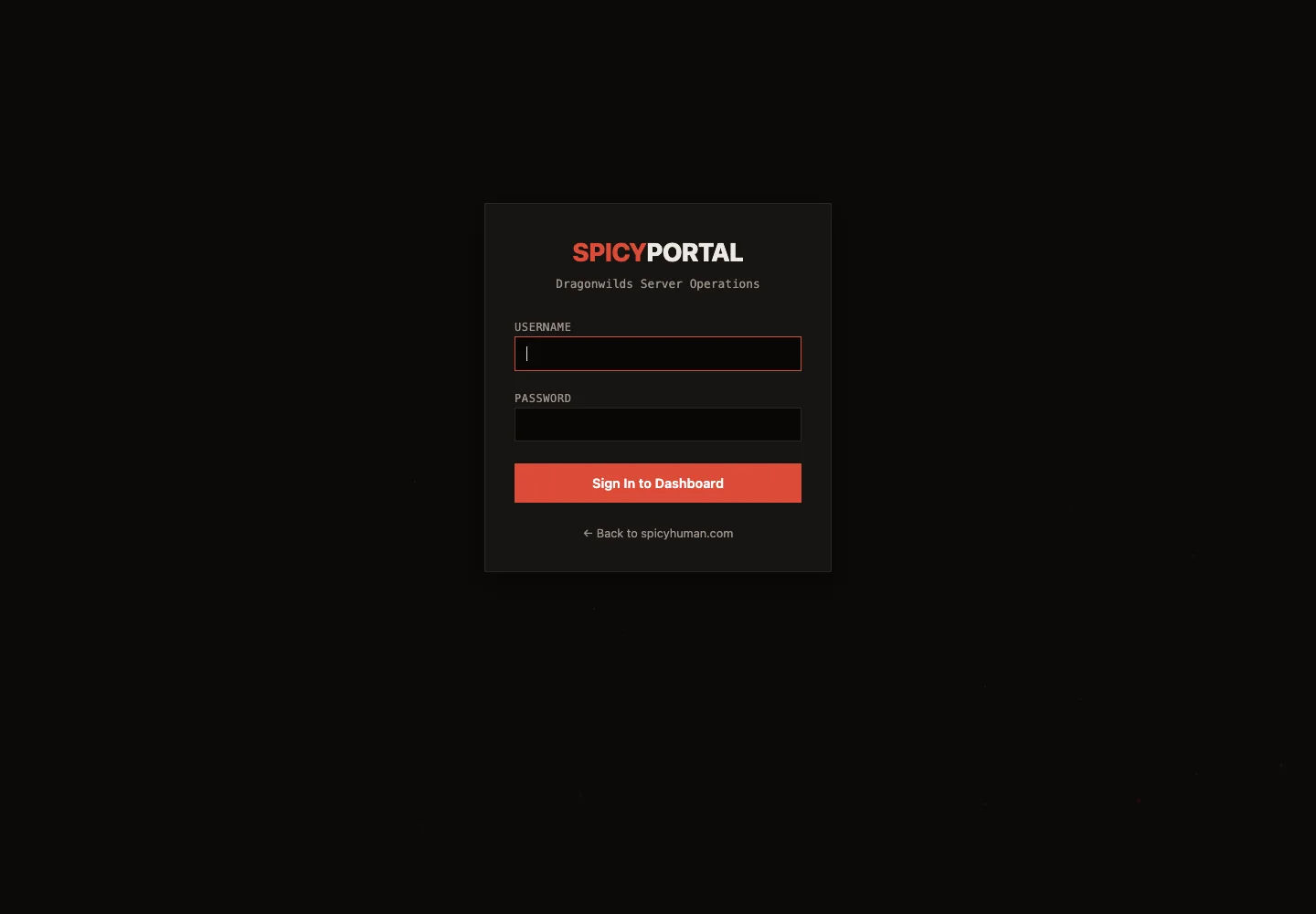
The sign-in page is live for existing accounts. Server controls and operational data stay behind authentication. The screenshots on this page contain only the public entry and a carefully cropped portion of the operator interface.