Device and security administration
Z-Hub.
Self-hosted software that sits over the device management, security, identity, cloud and AI tools a company already pays for.
What it is
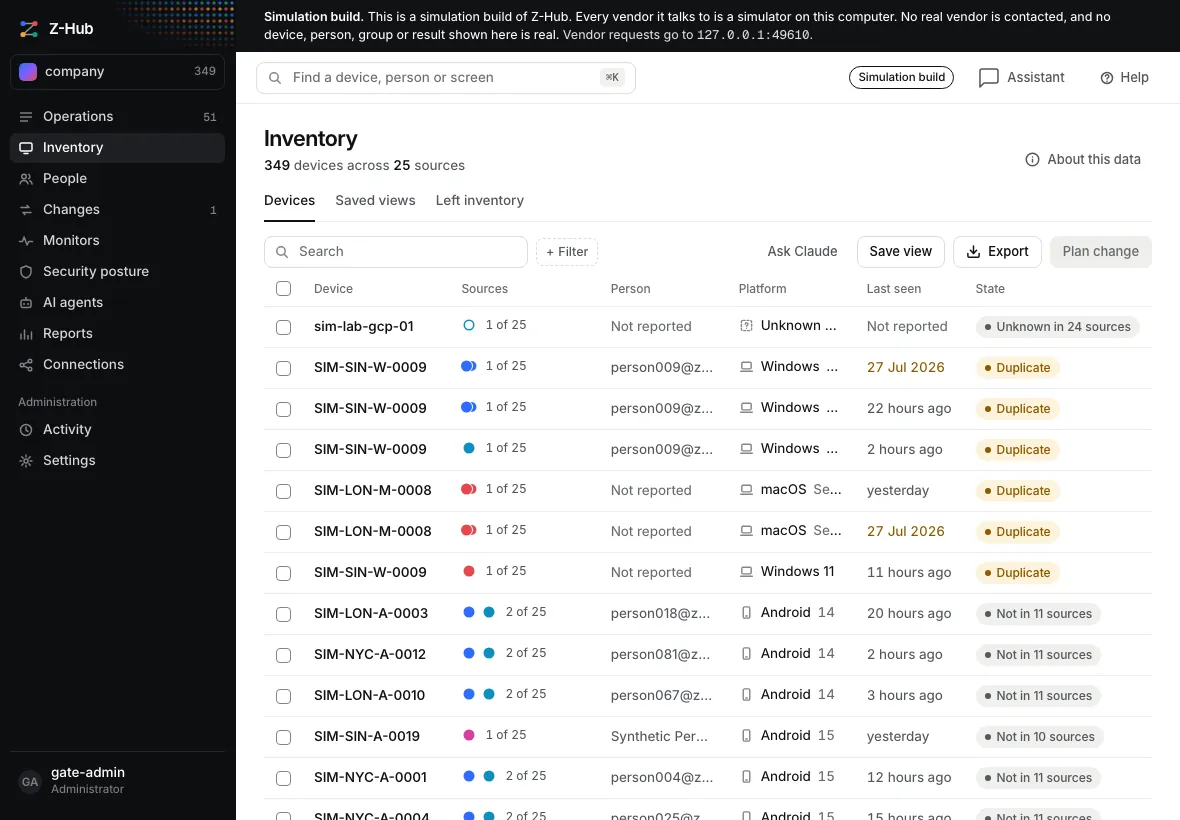
Z-Hub is self-hosted software that a company installs over the device management, security, identity, cloud and AI tools it already pays for. It replaces none of them. It reads what each one reports and keeps every source's record whole, so an administrator sees one reconciled inventory and where the sources disagree.
From there the work goes in a fixed order. The administrator states a task in plain words and reviews exactly what will change. After approval, Z-Hub carries the change out at the vendor and reads the result back. Each installation belongs to one company and runs on that company's own server.
What release 0.8.0 covers
- Inventory
- One row for each device, matched across sources by serial number where a source has one. When two sources disagree, both values stay on the record with their timestamps. A part that could not be read is shown as not read, never as empty.
- People and directories
- Directory accounts and people are kept in the same store as devices.
- Cloud and virtual machines
- Cloud accounts and virtual machines are held in that same store, and a reviewed plan can change their power state.
- Security posture
- Posture is each vendor's own answer, never a single combined score.
- Reports
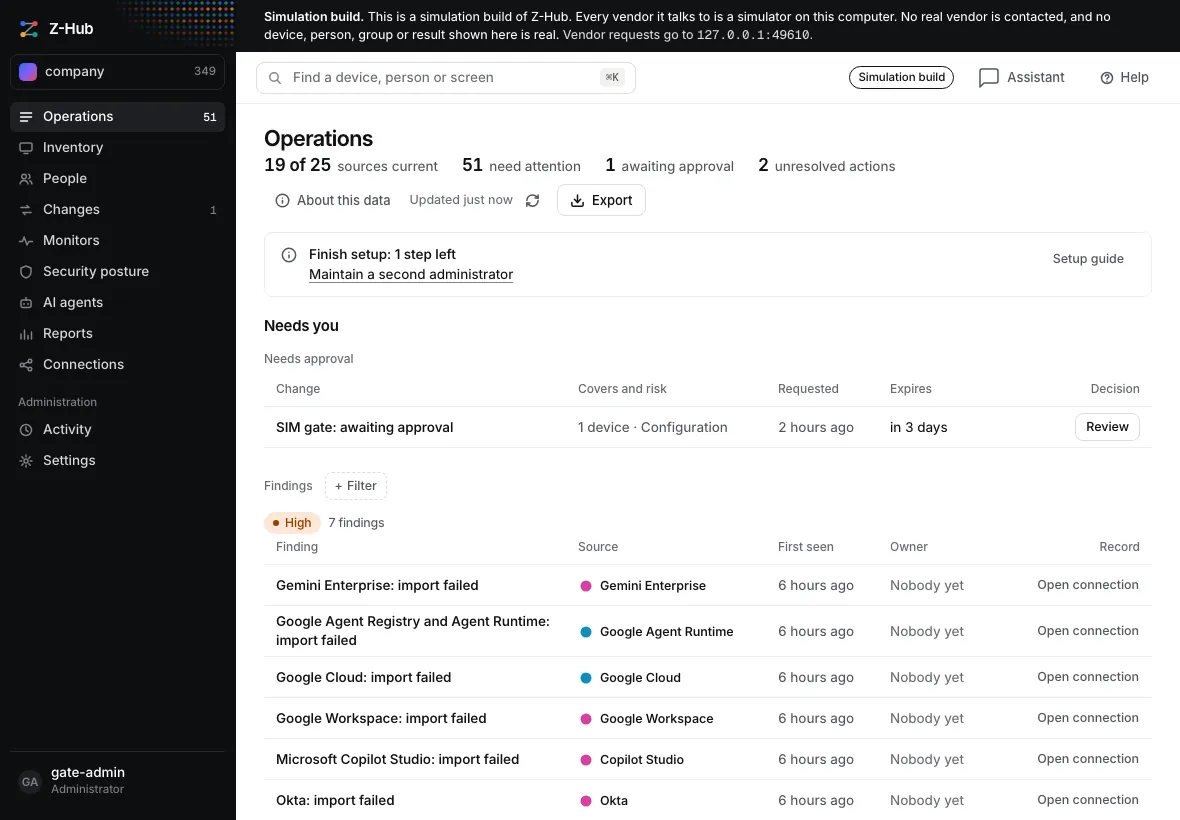
- A report is a saved query that runs on demand or on a schedule. Every run keeps its time and each source's last import, and exports as JSON or CSV.
- Monitors and notifications
- Monitors watch what you name. A short message reaches Slack, Teams or a mailbox when something needs a person.
- AI agents
- Agents on Microsoft, OpenAI, Google and Anthropic platforms are read with their owner, sharing and tools where the vendor reports them, and marked not reported where it does not. Some of those vendor interfaces are beta or preview.
- Tasks in plain words
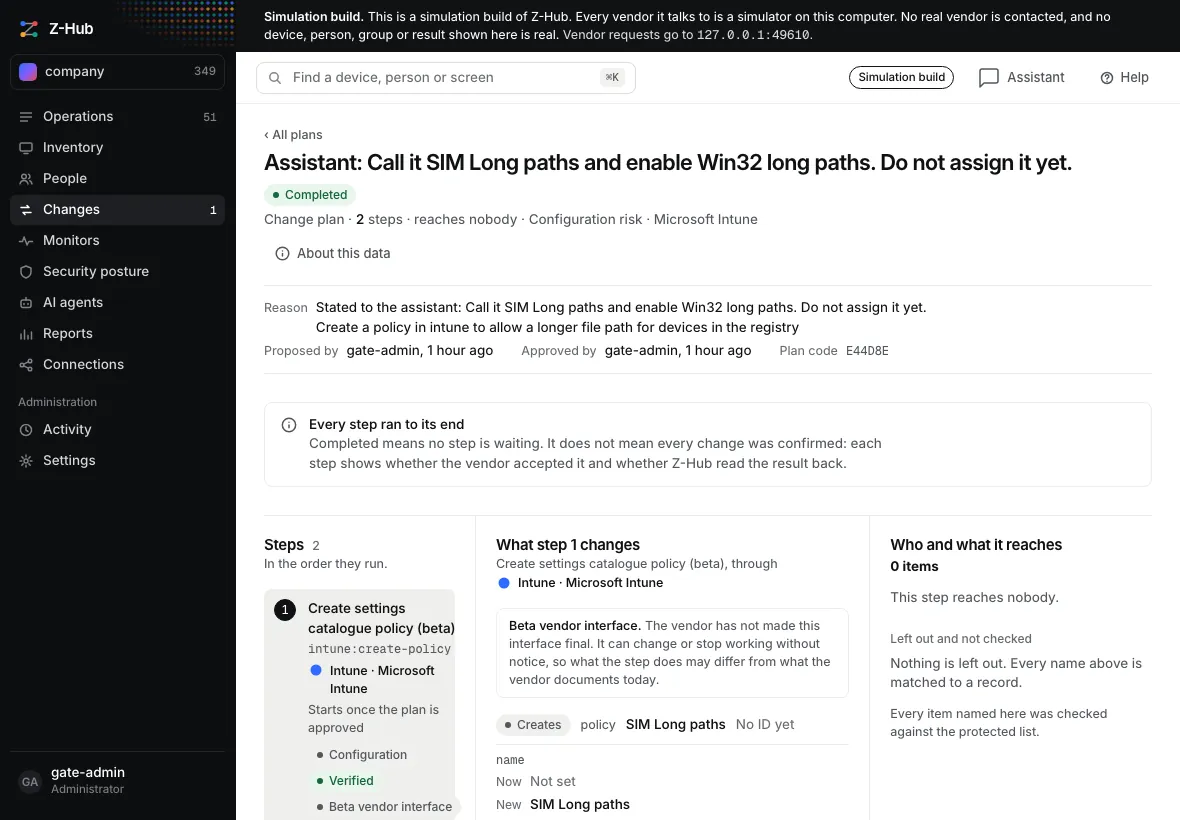
- A built-in assistant takes a task stated in a sentence. It answers from the inventory with the source of each value, or drafts a change plan that waits for review.
- Scripts
- Scripts from the library can run as steps in a reviewed plan. A script entered through the assistant starts as an unreviewed draft.
- Reviewed changes
- Every change is a plan that shows each object and value it changes, before and after. An administrator approves it, a high-risk plan also needs an authenticator code, and each step is read back from the vendor.
The service directory lists 77 services. 35 of them have an adapter in this release.
Inside the product
Limits
Vendor adapters are tested against simulated vendors. No vendor operation, read or write, has been run against a live vendor tenant. Every screenshot on this page shows a synthetic company from the vendor simulator, not a real company's devices or people.
Availability
Release 0.8.0 is in final verification. Downloads are not published yet.
Licensing is not switched on in any release so far. When it takes effect it will be priced per device per year, with the first 10 devices free and free use for non-commercial purposes.